

Shop bestsellers that make work feel like summer. Free shipping on orders $90+.

Ergonomic Essentials Designed for Modern Home Offices

Elevate your workspace with top-rated comfort and functionality. Shop ergonomic essentials, sourced from trusted brands with your health and productivity in mind.

Ergoform bestsellers

Welcome to
Ergoform Store

At Ergoform Store, we believe that where you work shapes how you perform. Whether you’re working from home, managing a busy office, studying for long hours, or building your next big idea, your workspace should inspire productivity, comfort, and focus.

Certifiably Ergoform

Furniture that offers superior support that’s backed by science

Affordable Comfort

Experience all-day comfort with no markups or hidden fees

Premium Build

Enjoy inspiring design and premium materials made to last

Shop by Category

From the work-from-home parent to the late night emailer, we’ve got a setup for however you work best.

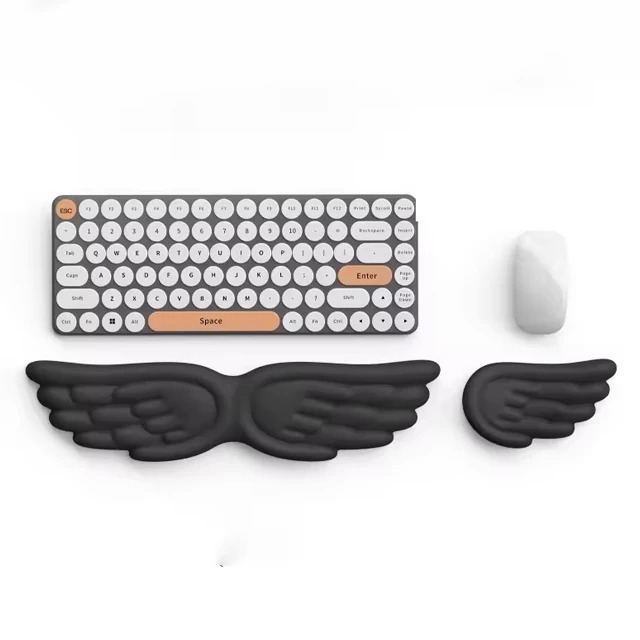
Gel / Memory Foam Keyboard Wrist Rest

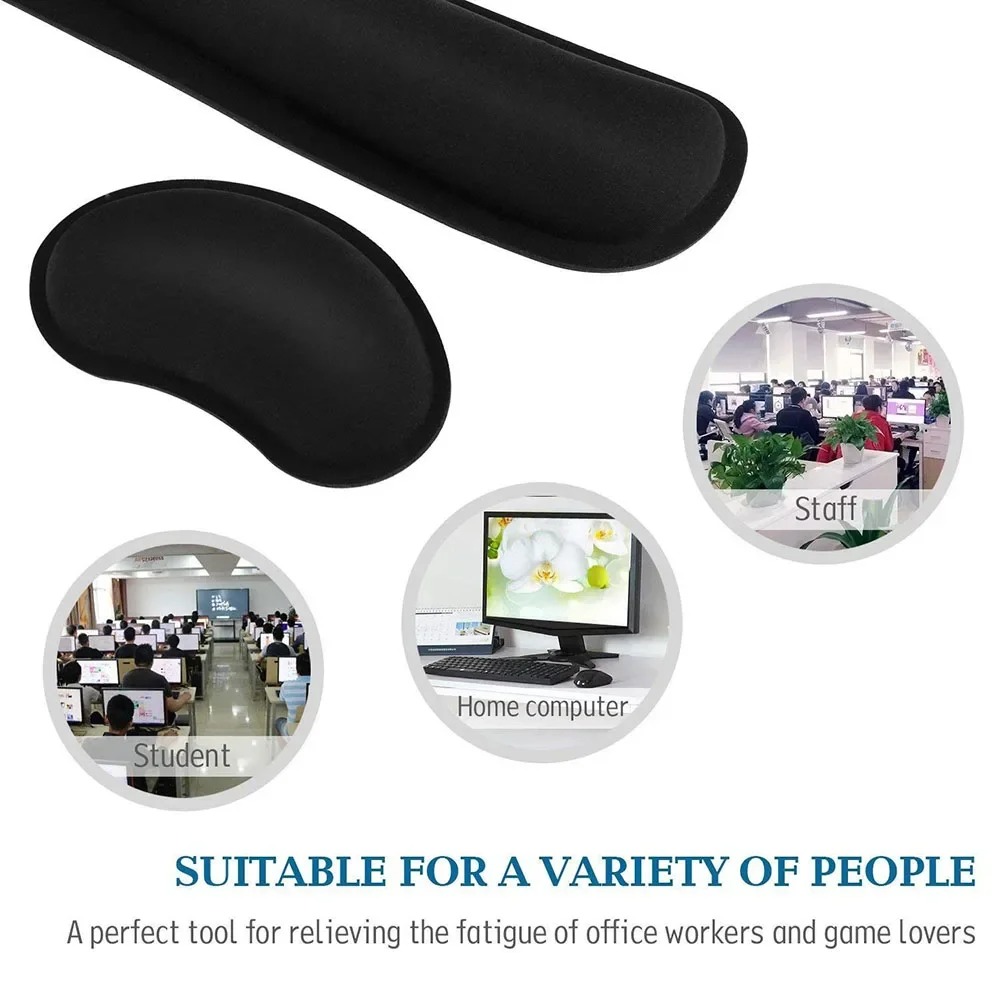
Memory Foam Keyboard Wrist Rest

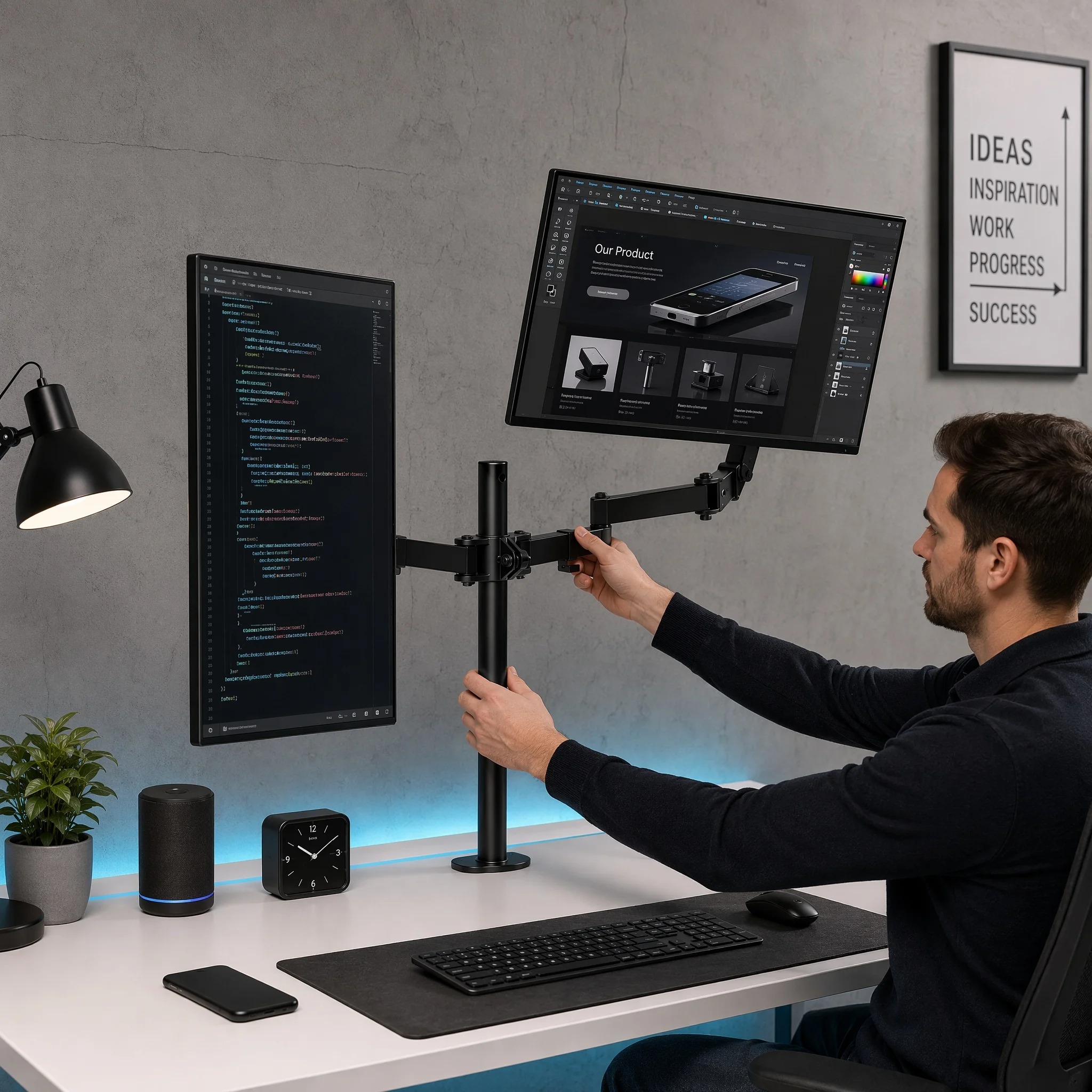
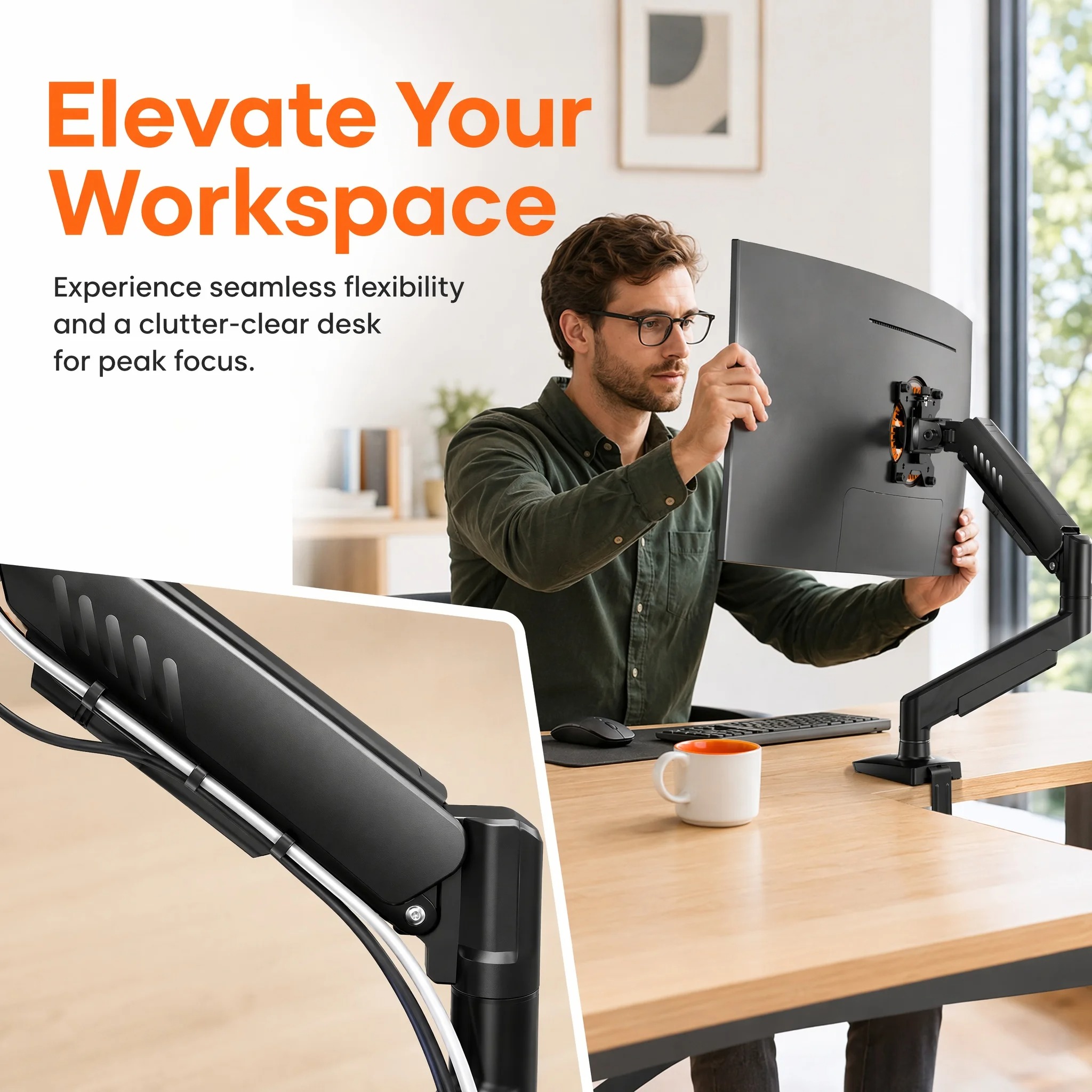
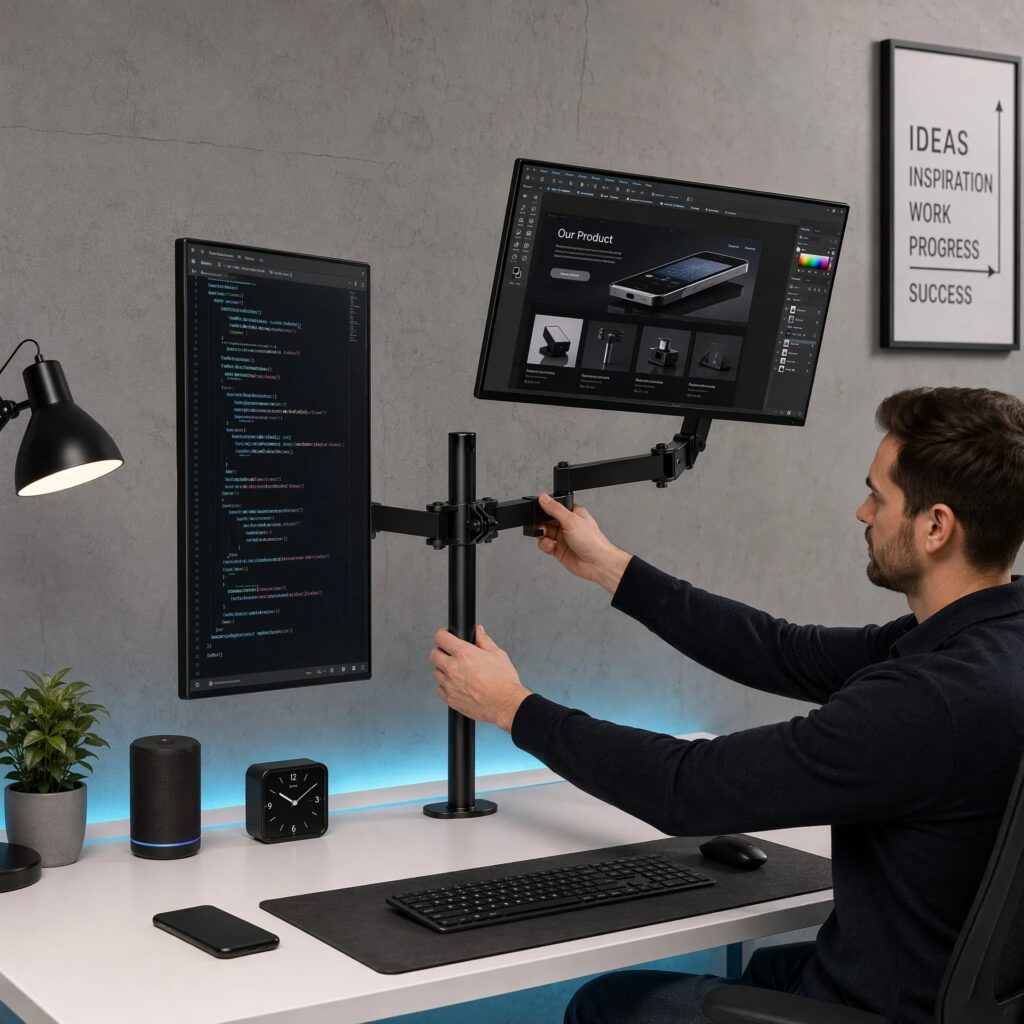
Dual-Monitor Stand for Two Screens

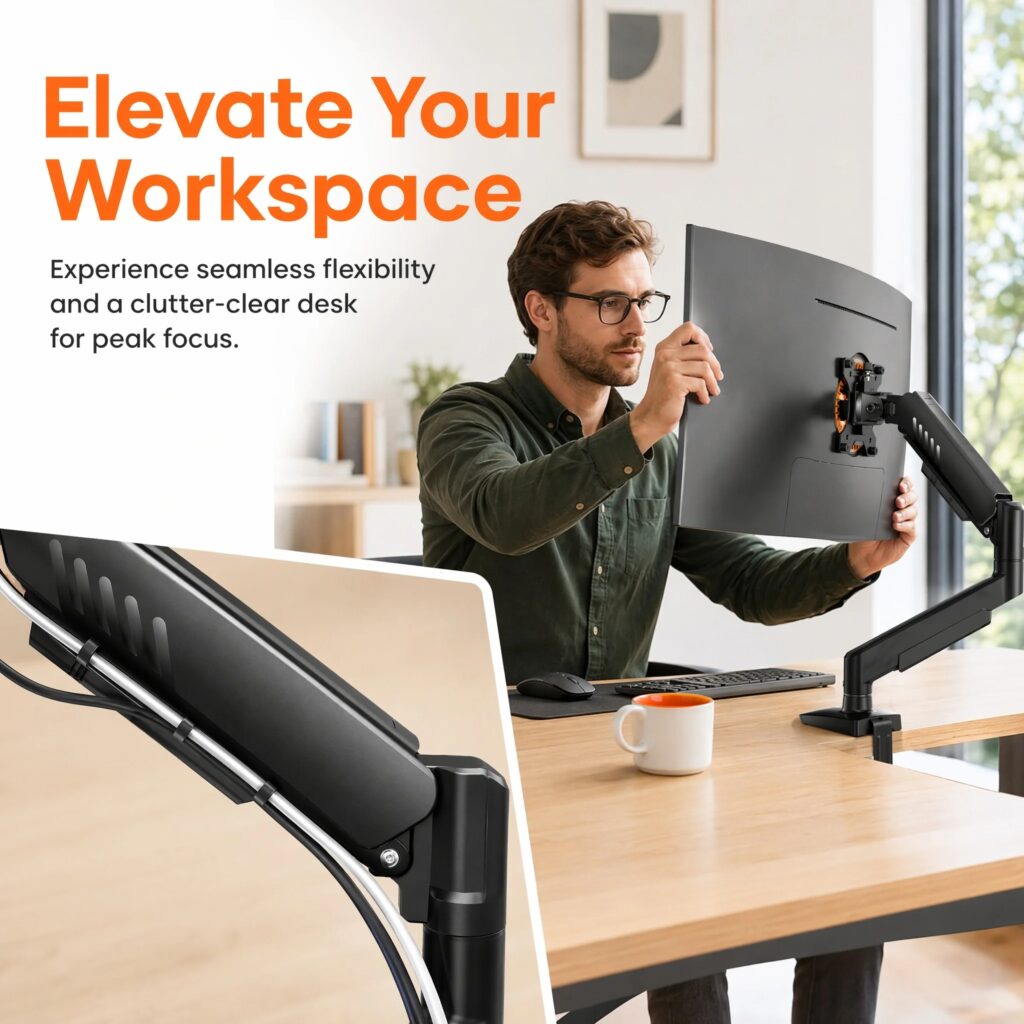
Adjustable Single-Monitor Stand / Arm

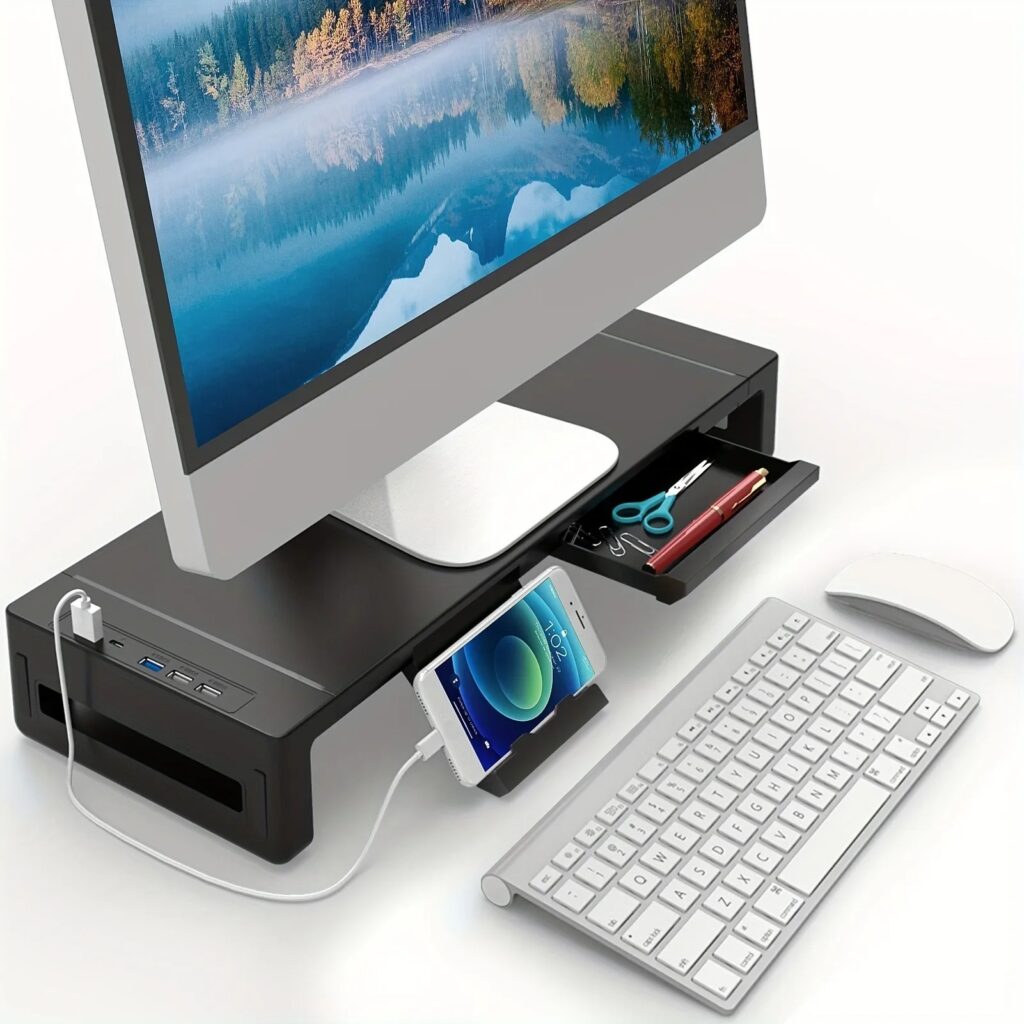
Adjustable Monitor Stand / Monitor Riser

Transform Your Workspace Today

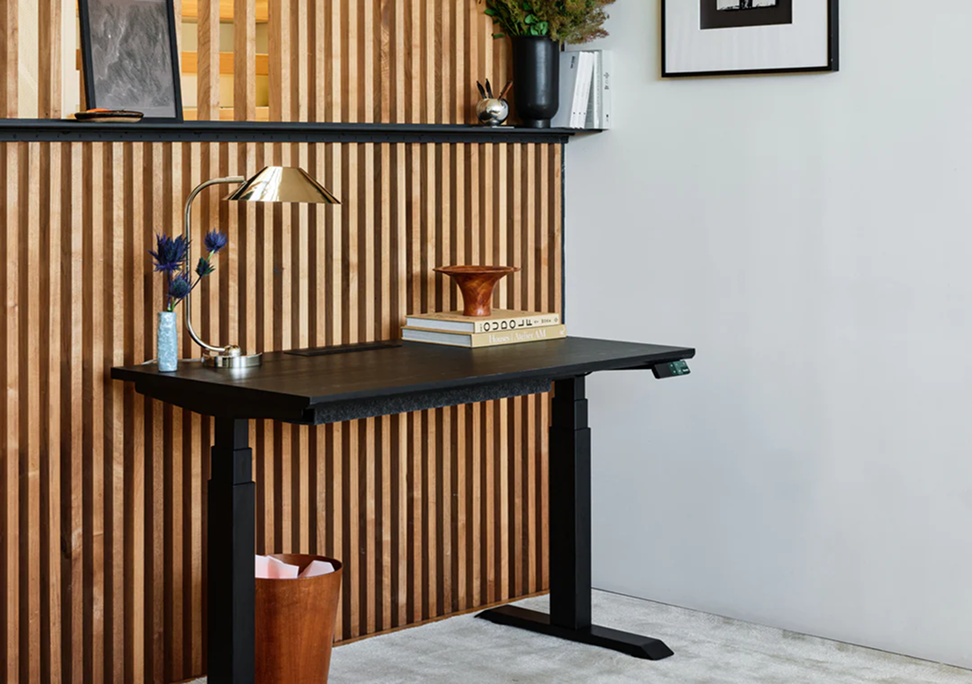
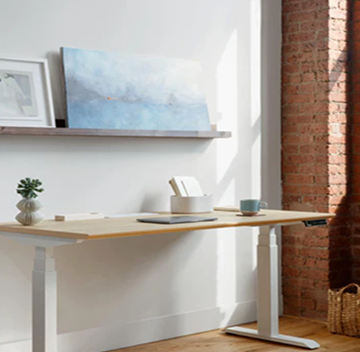
Standing desks built for serious workdays: extended adjustments, premium finishes and robust cable management.

Featured collection

Our customers say it best.

Blog Posts

How to Build a Better Home Office Without Replacing Everything

You don’t need a $5,000 home office to create a workspace you enjoy using.

In fact, some of the most noticeable improvements can come from changing a few small things about the setup you already have.

Before replacing your desk and chair, consider upgrading what’s around them.

Start With Your Chair

If your chair is generally good but becomes uncomfortable during longer work sessions, try improving the areas where you need additional support.

Seat cushions, lumbar supports, and footrests can help you customize your existing chair and sitting position.

This can be significantly more affordable than purchasing a premium ergonomic chair.

Raise Your Laptop or Monitor

Screen position is one of the easiest things to change.

Laptop stands and monitor arms allow you to raise your display while creating additional usable desk space.

For laptop users, pairing a laptop stand with an external keyboard and mouse can create a much more flexible desktop setup.

Upgrade Your Mouse and Keyboard Area

Your keyboard and mouse are probably two of the most frequently used items in your entire office.

Adding an ergonomic mouse, keyboard support, or wrist rest is a relatively small upgrade that can make your workstation feel noticeably different.

Fix Your Lighting

Lighting is easy to overlook.

Monitor light bars and adjustable desk lights can provide focused lighting for your workspace without requiring a large lamp or taking up valuable desk space.

They’re especially useful for people who work early in the morning or late at night.

Get Your Cables Under Control

Nothing makes a workspace feel unfinished faster than cables running everywhere.

Cable clips, cable-management boxes, under-desk organizers, and charging stations can help hide unnecessary clutter while keeping frequently used devices accessible.

Add Movement to Your Workday

Your workspace isn’t just about what you buy.

How you use it matters too.

Take regular breaks from your screen, stand up, stretch, walk around, and avoid staying in one position for the entire workday.

Upgrade One Problem at a Time

Instead of buying everything at once, ask yourself one question:

What’s the most annoying thing about my desk right now?

Fix that first.

Then move to the next problem.

Over time, those smaller improvements can turn an ordinary desk into a workspace built specifically around how you work.

At Ergoform, that’s exactly what we believe a great workspace should be: comfortable, functional, organized, and designed around you.

Discover Ergoform’s home-office essentials and build a workspace that works better for you.
5 Signs Your Desk Setup Needs an Ergonomic Upgrade

Your desk might look great, but how does it feel after several hours of work?

A home office should do more than hold your computer. It should help create an environment where you can stay comfortable, organized, and focused throughout the day.

Here are five signs it may be time to upgrade your setup.

1. You’re Constantly Adjusting Your Sitting Position

If you’re constantly shifting around trying to get comfortable, your chair or desk setup may not be giving you the support you need.

A seat cushion, lumbar support, or footrest can be an easy way to make an existing chair more comfortable without purchasing an entirely new one.

2. You’re Always Looking Down at Your Screen

Laptop screens and low monitors can cause you to spend hours looking downward.

Laptop stands, monitor risers, and adjustable monitor arms can raise your screen and help create a more natural viewing position.

As a bonus, raising your computer can also create additional usable space underneath it.

3. Your Wrists Feel Uncomfortable While Working

Think about how many times you use your mouse and keyboard during a normal workday.

An ergonomic mouse or wrist support can help create a more comfortable position while typing, browsing, designing, gaming, or working.

4. Your Desk Is Covered in Cables and Accessories

A cluttered desk isn’t just an appearance problem.

Searching for cables, moving accessories around, and working with limited space can become distracting.

Simple cable-management accessories and desk organizers can transform a crowded workspace into a cleaner environment.

5. You Avoid Your Desk

Your workspace should be somewhere you actually want to work.

If you’d rather work from your couch, kitchen table, or bed because your desk isn’t comfortable, that’s probably the biggest sign that your setup needs attention.

Small Upgrades Can Make a Big Difference

You don’t necessarily need a new desk, new chair, and expensive computer to improve your workspace.

Start with the biggest problem.

Is your monitor too low?

Raise it.

Is your chair uncomfortable?

Add support.

Are your wrists uncomfortable?

Upgrade your mouse or wrist support.

Is everything cluttered?

Organize it.

Ergoform makes it easier to build your workspace one upgrade at a time. Explore our collection of ergonomic home-office essentials and find the upgrades that fit your setup.

7 Easy Ways to Make Your Home Office More Ergonomic

Working from home gives you freedom and flexibility, but spending hours at a poorly designed desk can leave you feeling uncomfortable, stiff, and distracted. The good news? You don’t need to completely rebuild your workspace to make it more comfortable.

Here are seven simple ways to create a more ergonomic home office.

1. Raise Your Monitor to Eye Level

If you’re constantly looking down at your screen, your neck and shoulders can become uncomfortable over the course of the day.

A monitor stand or adjustable monitor arm can help position your screen closer to eye level while freeing up valuable desk space.

2. Give Your Lower Back More Support

Your chair plays a major role in how comfortable you feel throughout the workday. If your current chair lacks support, you don’t necessarily need to replace it.

A supportive seat cushion or lumbar cushion can be a simple way to upgrade an existing office chair.

3. Keep Your Wrists Comfortable

Hours of typing and clicking can put unnecessary pressure on your hands and wrists.

Consider adding an ergonomic mouse, keyboard wrist rest, or mouse wrist support to create a more comfortable working position.

4. Support Your Feet

Your feet shouldn’t be left hanging or sitting in an uncomfortable position all day.

A footrest or desk foot hammock gives your legs another position to rest in and can make long periods at your desk more comfortable.

5. Improve Your Desk Lighting

Poor lighting can make a workspace feel uncomfortable and distracting.

A monitor light bar or adjustable desk lamp can illuminate your work area without taking up much desk space.

6. Keep Your Workspace Organized

Cables, chargers, accessories, and clutter can quickly take over a desk.

Cable organizers, storage solutions, laptop stands, and desk accessories can create a cleaner workspace that’s easier to work in.

7. Change Positions Throughout the Day

Even a perfectly designed workspace shouldn’t keep you in the same position for eight hours.

Stand up, stretch, walk around, and change positions throughout your workday. If your setup allows it, alternating between sitting and standing can add even more variety.

Build a Workspace That Works for You

An ergonomic workspace doesn’t have to be complicated. Small upgrades to your screen position, chair, keyboard, lighting, and organization can completely change how your desk feels.

At Ergoform, we’re focused on practical workspace upgrades designed to help you create a home office that’s more comfortable, organized, and enjoyable to use.

Explore Ergoform’s ergonomic workspace essentials and start upgrading your setup today.